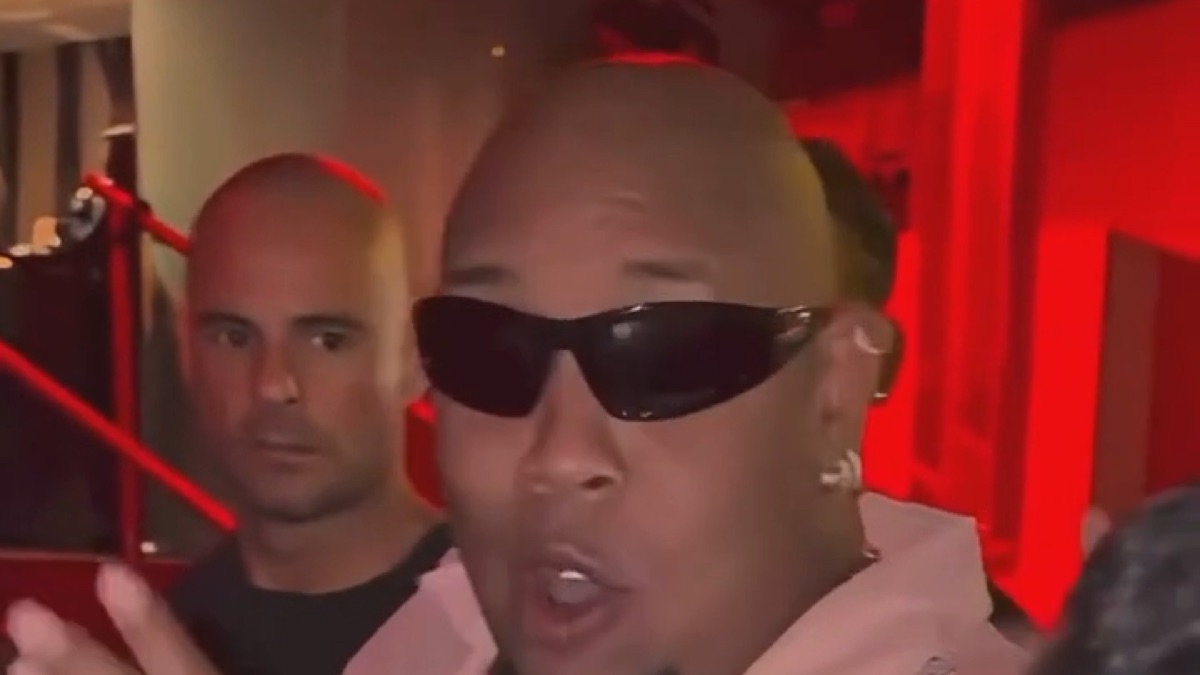
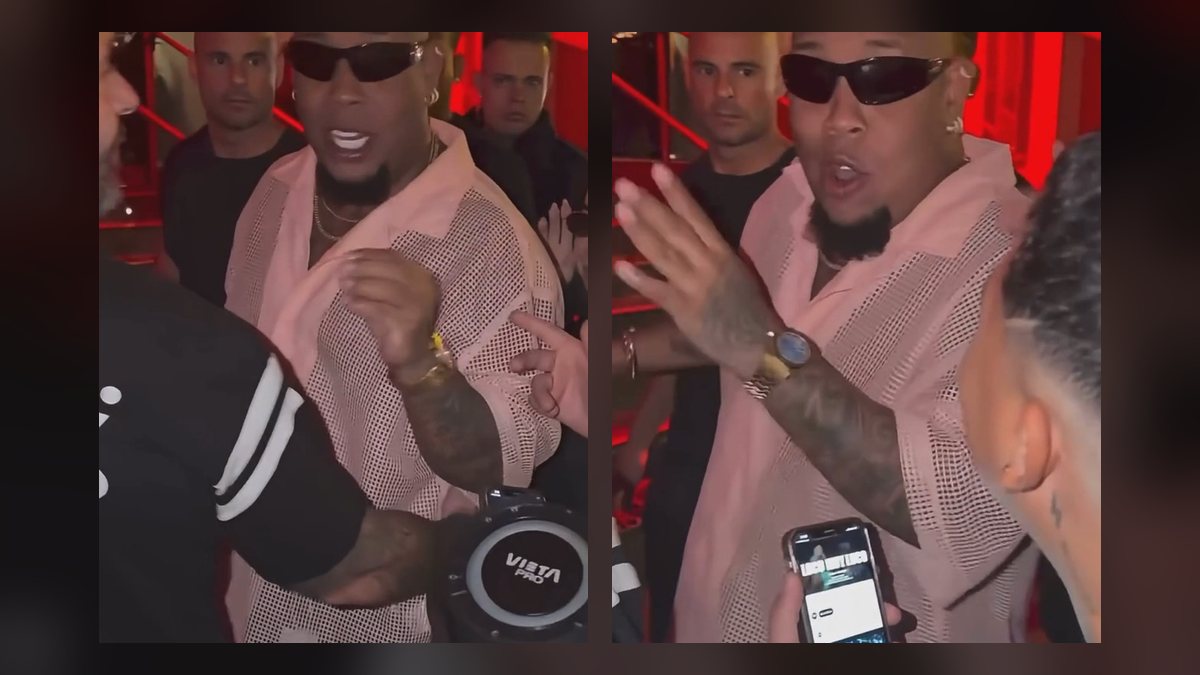
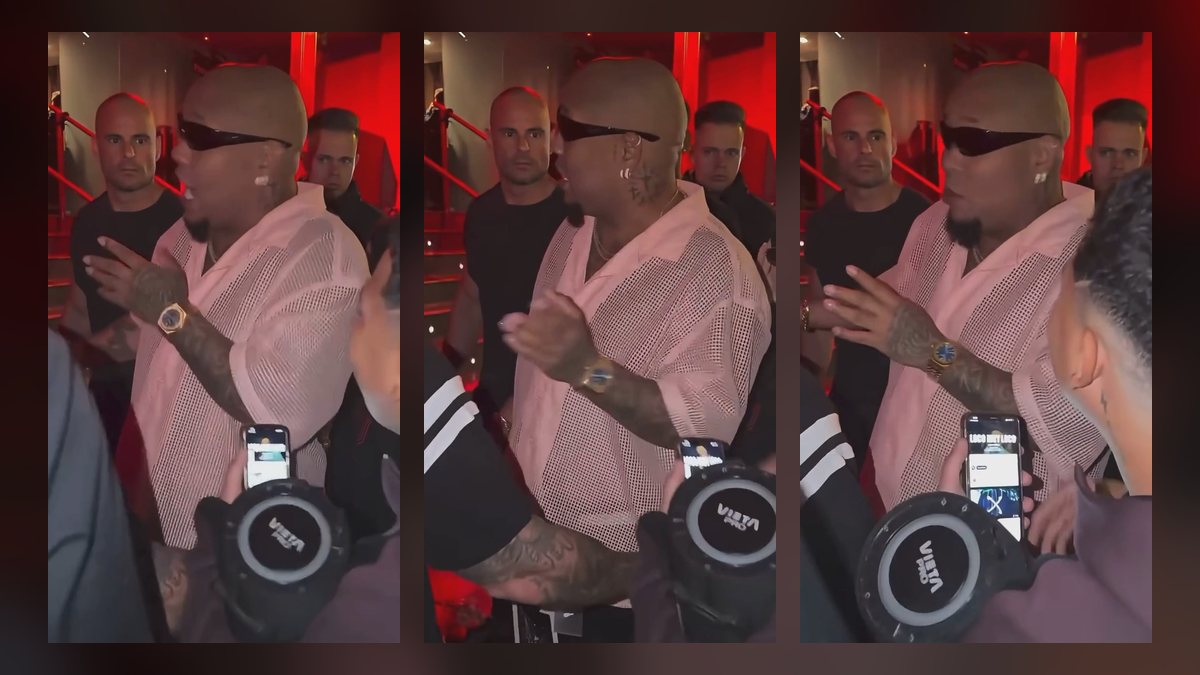
How to do the Bulin 47 trend on TikTok, Reels and Shorts, with the sound
Two ways to do the Bulin 47 trend: post a Bulin 47 AI video or film it yourself. How to add the Bulin 47 sound, fix a muted video, label AI content and caption it.
By Bulin 47 AI · Updated · 5 min read
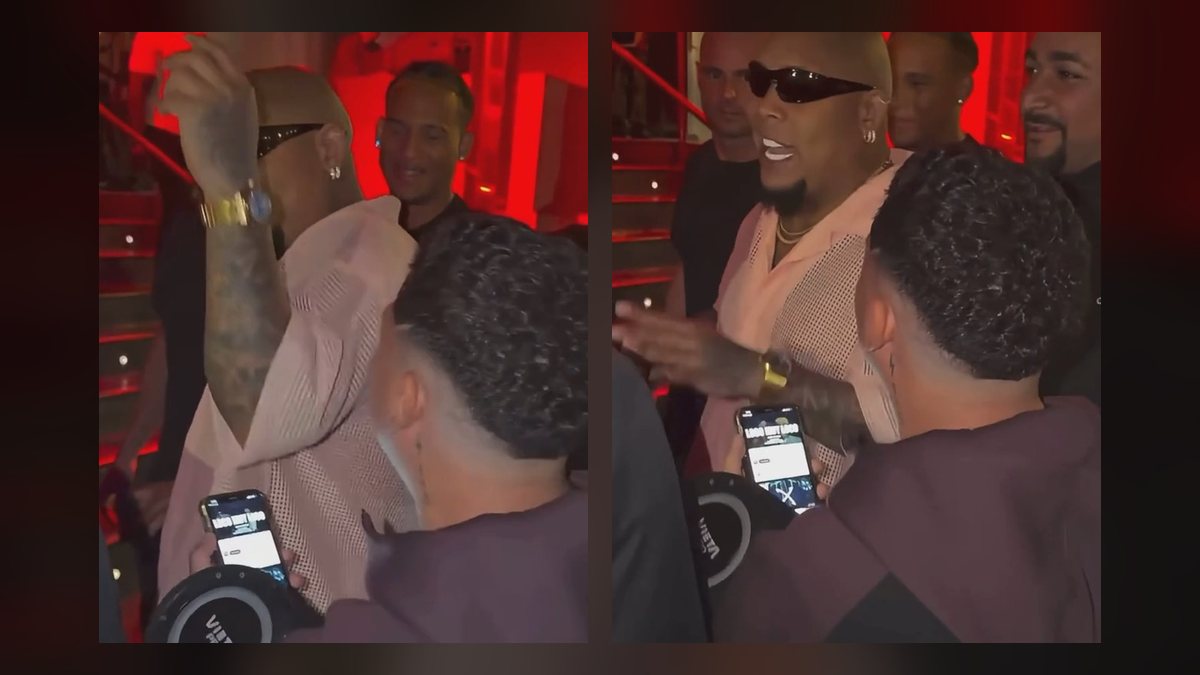
How do I post a Bulin 47 AI video on TikTok?
- Make the video. On the Bulin 47 AI studio, pick a cut, upload a photo of yourself and press Generate. The full walkthrough is in how to make a Bulin 47 AI video.
- Download the MP4. Open it under “My videos” and save it to your phone. Videos stay there for 14 days.
- Upload it as a normal post. In TikTok tap +, then Upload, and pick the video. It is vertical already, so leave the crop as it is.
- Keep the original sound. The video already has the freestyle audio in sync with your mouth. Don’t add the sound again on top, or it will play twice and drift.
- Turn on the AI-generated label. It is in the post settings before you publish (see below).
How do I do the Bulin 47 trend without AI?
- Find the sound. In TikTok’s camera, tap Add sound and search “Bulin 47” or “Dame Hombro”. On Reels and Shorts, use the audio or sound button in the camera the same way.
- Set up the shot. Portrait, from the waist up, with the camera at about chest height and a bit of room above your head. Red lights or a dark doorway get you closer to the original.
- Learn the moves. Point at the camera on the bars, keep your hands moving, bounce your shoulders on the beat, and hit the name drop straight into the lens.
- Lip-sync and post. Record a couple of takes and keep the one where your mouth matches “ya todos me conocen”.
Why is my Bulin 47 video muted or missing the sound?
- Business account. On TikTok and Instagram, business accounts can only use the commercial music library, so popular sounds may be blocked or muted. Switch to a personal or creator account, or use the sound from the library if it is available there.
- Copyright check after upload. A platform can mute a clip whose audio it matches to a release. If that happens, re-post the video and add the Bulin 47 sound from inside the app instead of the audio in the file.
- Double audio. If you added the sound on top of a Bulin 47 AI video, set the original or the added sound to zero so only one plays.
Where do I post it: TikTok, Reels or Shorts?
| TikTok | Instagram Reels | YouTube Shorts | |
|---|---|---|---|
| Format | Vertical 9:16 | Vertical 9:16 | Vertical 9:16 |
| Finding the sound | Add sound → search “Bulin 47” | Audio → search “Bulin 47” | Sound → search “Bulin 47” |
| AI disclosure | AI-generated content toggle | AI label when you post | “Altered or synthetic content” setting |
| Good for | Riding the trend and the sound page | Friends and close followers | Search and longer life |
Do I have to label a Bulin 47 AI video as AI?
Yes, on the big platforms you should. TikTok asks creators to label AI-generated content that shows realistic people, YouTube asks you to disclose realistic altered or synthetic content when you upload, and Instagram adds an AI label to content you mark as AI. A Bulin 47 AI video shows a realistic person in a real clip, so turn the label on. It doesn’t hurt reach the way a removed or flagged video does.
What should I write in the caption?
- The line: “ya todos me conocen 😎” or “no ando en película ni ando en paquete”. What it means is in Bulin 47 lyrics and meaning.
- Hashtags: #bulin47 #bulin47ai #damehombro #dembow #freestyle, plus #aivideo on AI versions.
- Tag the people in it, and only post a friend’s version if they said yes.