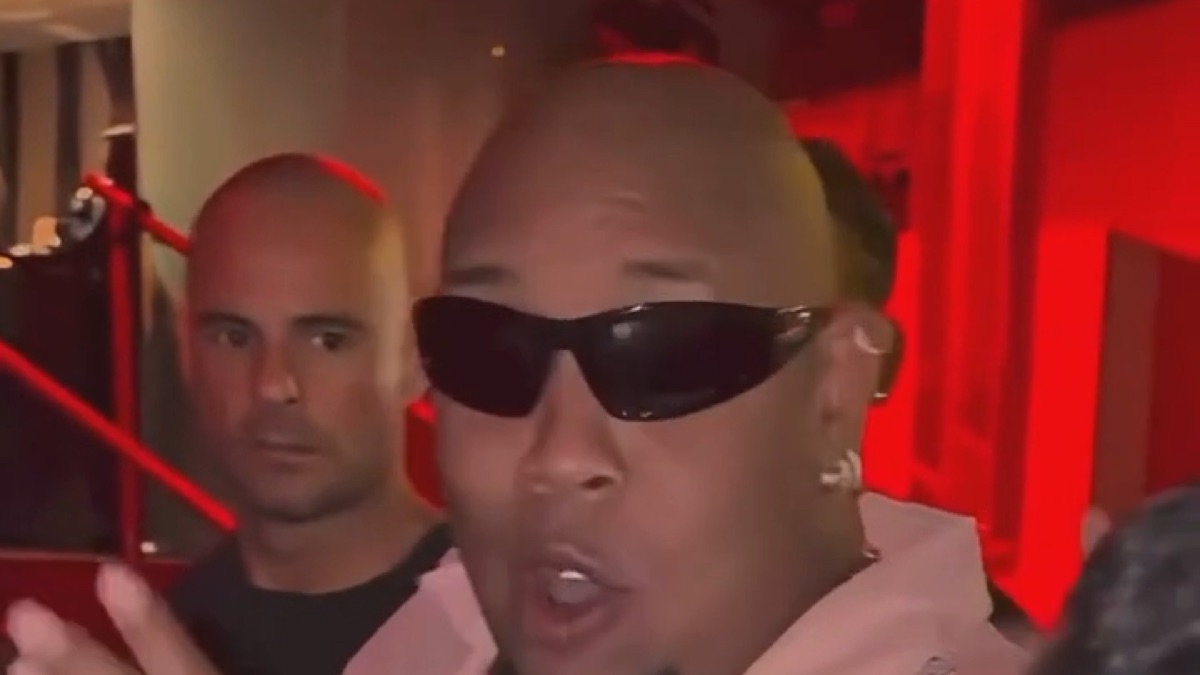
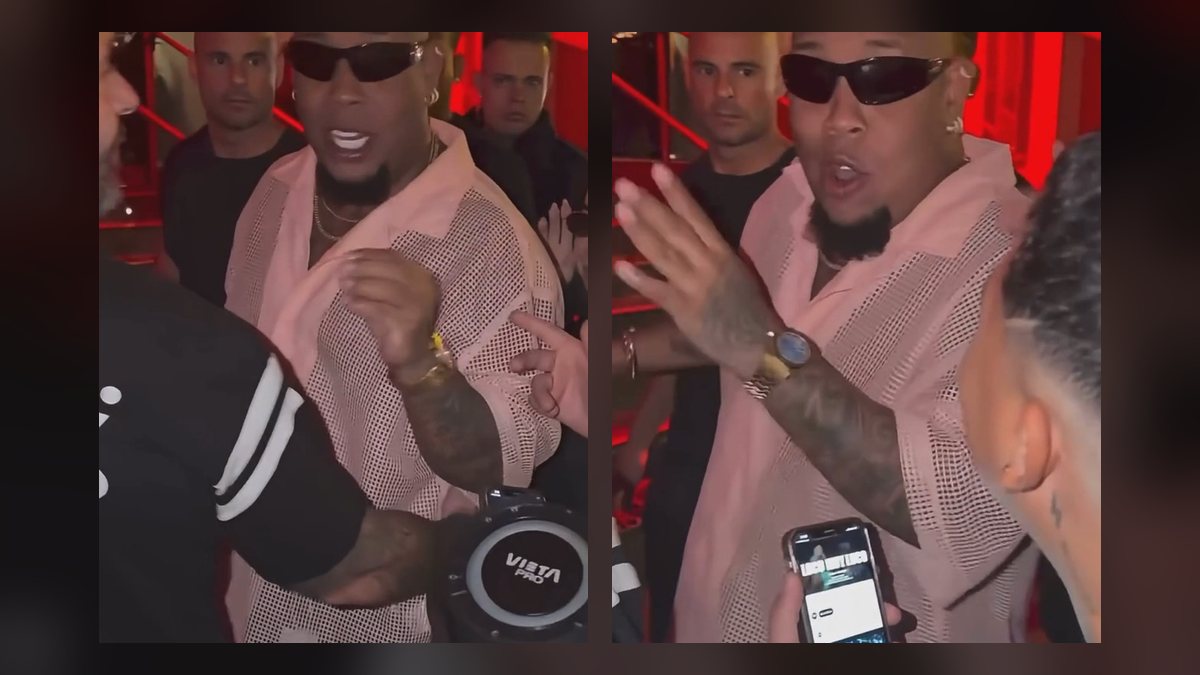
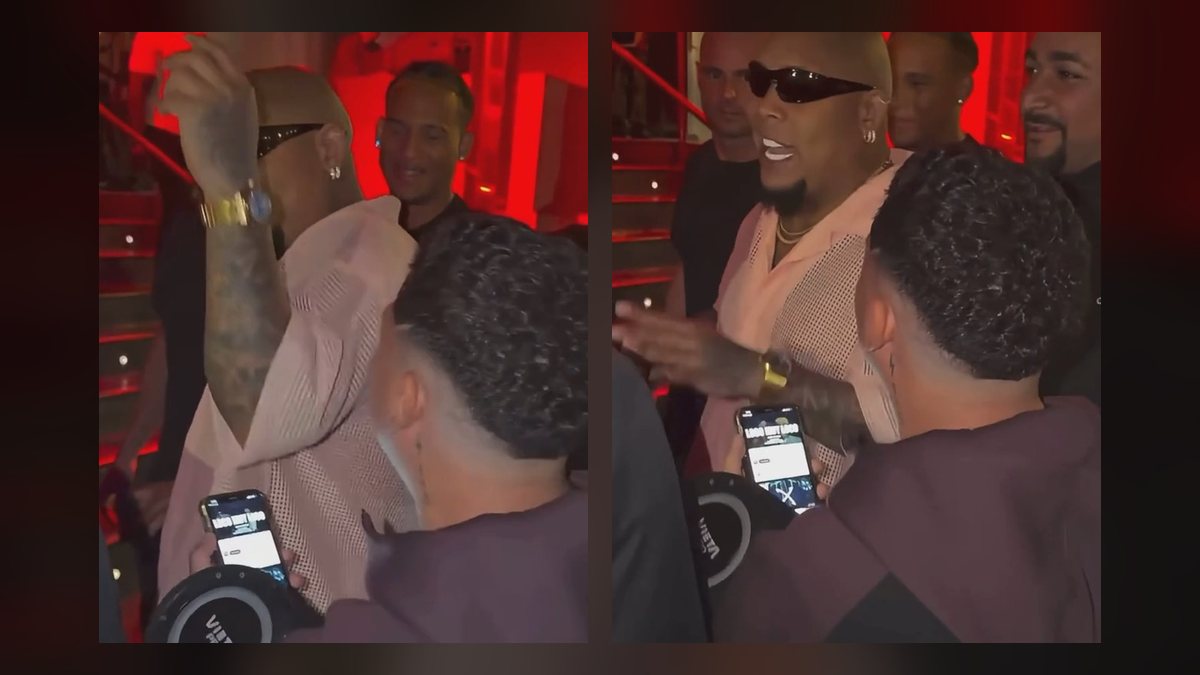
Which photo works best for a Bulin 47 AI video, and why your face might look different
What photo to upload for a Bulin 47 AI video, a quick checklist, and how to fix a face that looks off, a photo that is rejected, or a video that fails.
By Bulin 47 AI · Updated · 4 min read
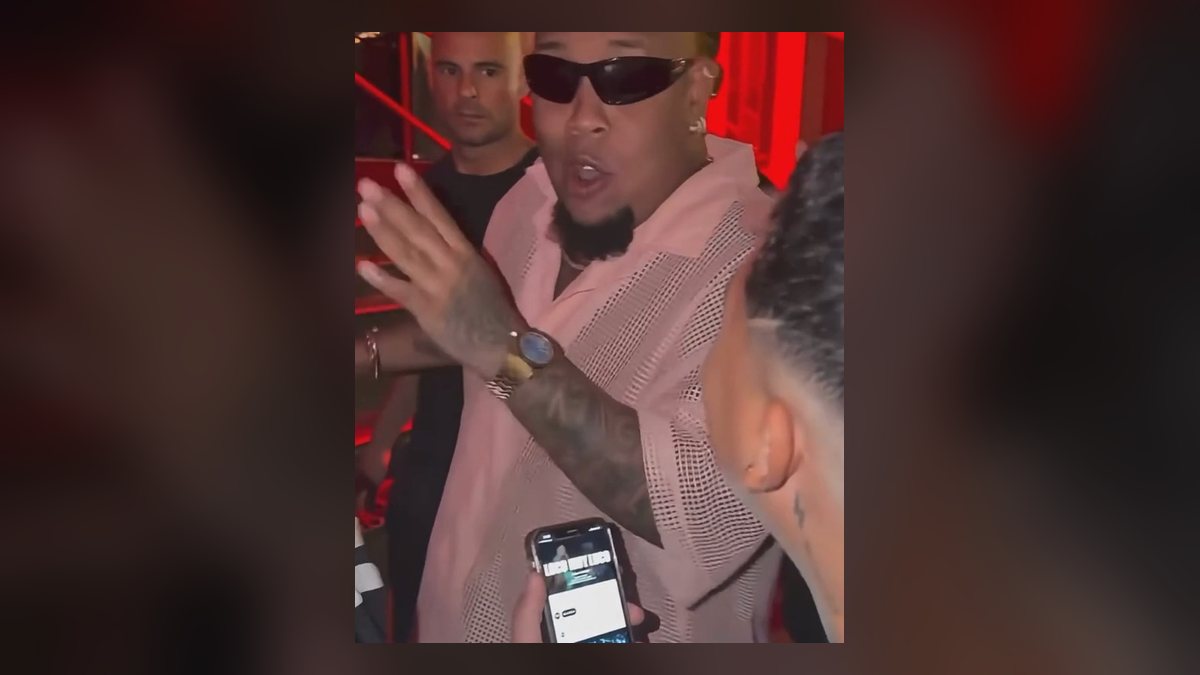
What photo should I use for a Bulin 47 AI video?
| Use | Avoid | |
|---|---|---|
| People | Just you | Group photos, someone else’s face in the frame |
| Angle | Facing the camera, eyes at lens height | Side profiles, looking down at the phone |
| Framing | Head, shoulders and upper body | Face-only close-ups, full body from far away |
| Light | Daylight or a bright room, light on your face | Backlit windows, dark bars, harsh coloured light |
| Face | Clear, uncovered, eyes visible | Sunglasses, masks, hair over the eyes, hands on the face |
| Edits | An unedited photo | Beauty filters, face-smoothing, cartoon or AI filters |
| File | JPG, PNG or WebP, sharp | Screenshots of screenshots, very wide or very tall crops |
Why does my face look different in the Bulin 47 AI video?
The AI doesn’t paste your photo onto the clip. It redraws you in every frame while you rap, turn and move your hands, using the photo as its only reference for what you look like. Anything the photo doesn’t show clearly, the model has to guess, and guesses drift from frame to frame. The most common causes:
| What you see | Likely cause | Fix |
|---|---|---|
| Face doesn’t look like you | Small, blurry or side-on photo | Use a sharp, front-facing photo where your face fills more of the frame |
| Face changes during the video | Low light or heavy compression | Retake the photo in daylight; send the original, not a screenshot |
| Skin, eyes or features smoothed out | Beauty or face filter on the photo | Use an unfiltered photo straight from the camera |
| Eyes look wrong or blank | Sunglasses or hair over the eyes | Take the shades off; Bulin wears them, but the AI needs your eyes |
| Body or outfit looks off | Photo cut at the neck or very far away | Frame from the head to the waist |
| Photo rejected on upload | Very wide or very tall crop, or not an image file | Crop to a normal portrait shape and save as JPG, PNG or WebP |
| Video failed | The model could not use the photo | Your credits come back automatically; try a clearer photo of one person |
Can I use a selfie?
Yes, if it is a good one. Hold the phone at arm’s length at eye level, so your shoulders are in frame too, and face a window. Front cameras held too close stretch the nose and shrink the ears, and the AI keeps that distortion. A photo taken by a friend or with a timer a metre or two away usually comes out closer.
Do my clothes and hair carry over?
Mostly, yes. You keep the outfit, hair and accessories in your photo, so dress for it: a loud shirt, a chain or a cap reads well under the red light. Anything hidden in the photo, like the back of a jacket, gets filled in by the model.
Can I use a photo of a friend or a celebrity?
A friend, yes, if they are an adult and have said yes; they are the one who appears in the video. Photos of celebrities, public figures or anyone under 18 are not allowed, even though famous faces were part of the early trend. Making realistic videos of real people without their permission can get your post taken down and can break the law in some places.
Which cut and quality should I pick?
If you are trying a new photo, start with the 5-second Hook at 480p: it is the cheapest way to check your face before paying for the 12-second Freestyle or the 23-second Full verse at 720p or 1080p. Prices for each are in what a Bulin 47 AI video costs, and the full steps are in how to make a Bulin 47 AI video.