
Bulin 47 AI vs Higgsfield: Genjutsu setup or a ready-made clip?
A general video-to-video tool you set up yourself, or a generator with the original freestyle already loaded: what changes for your video.
By Bulin 47 AI · Updated
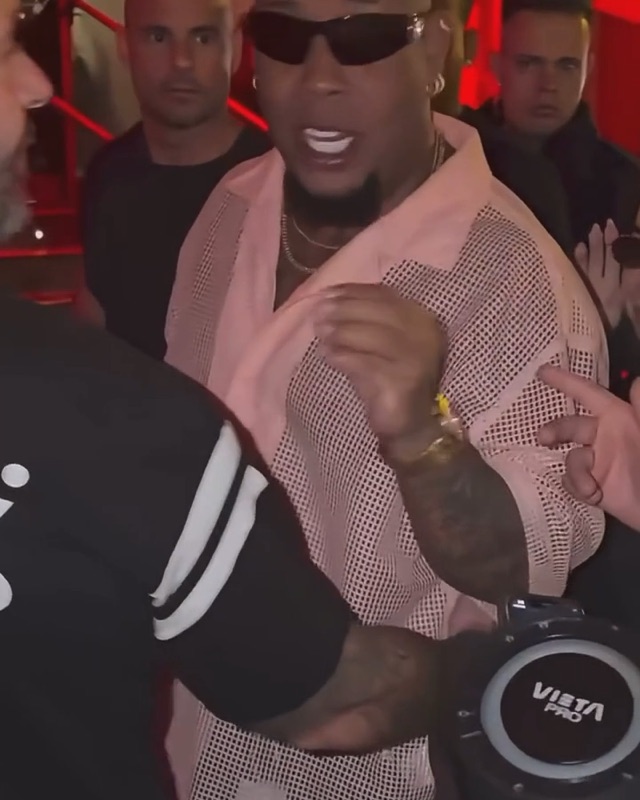
Bulin 47 AI vs Higgsfield, side by side
| Bulin 47 AI | Higgsfield Genjutsu | |
|---|---|---|
| What it is | A generator built for the Bulin 47 freestyle | A video-to-video tool inside a general AI video platform |
| What you start from | One photo of you (one adult, facing the camera) | A source video (yours or a Community Trending template) plus character photos |
| Prompt | None: the clip, moves and audio are preloaded | A short prompt describing the swap |
| The scene | The original Bulin 47 freestyle clip, recast with you in Bulin’s spot | Whatever clip you load, including the Bulin 47 freestyle |
| Audio | The original freestyle audio, with your mouth in sync | Depends on the source clip and settings; check the result |
| Lengths | Hook 5 s, Freestyle 12 s, Extended 15 s, Full verse 23 s | Set by the clip you load and the platform’s limits |
| Quality choice | 480p, 720p, 1080p | Depends on Higgsfield’s plan |
| How you pay | One-time credit packs from $6.90, no subscription; credits never expire, failed videos refunded | Higgsfield’s own plans and credits |
| Runs on | Any browser, phone or desktop; nothing to install | Higgsfield’s website |
How do people make the Bulin 47 trend with Higgsfield?
Creators’ tutorials for Higgsfield Genjutsu all follow the same four steps, as of November 2026:
- Open Higgsfield and choose the Genjutsu tool.
- Load a source video: upload your own copy of the Bulin 47 clip, or pick a Bulin 47 template from Community Trending and press “Recreate”.
- Upload the photo of each person who should appear in the clip.
- Write a short prompt and generate.
The flexibility is the point of Genjutsu: the same four steps work for any viral clip, not only the Bulin 47 freestyle. The trade-off is setup. You find or upload the clip, you write the prompt, and the community template you pick can change or disappear from week to week.
How do you make the same video with Bulin 47 AI?
- Pick a cut of the original freestyle: the 5-second hook, the 12-second freestyle, the 15-second extended cut or the full 23-second verse.
- Upload one photo: one adult, facing the camera, head to waist in frame.
- Pick 480p, 720p or 1080p and press Generate. The price in credits is on the button.
There is no clip to find and no prompt to write. Kevin Wai, the speaker, the crowd and the original audio stay as they are, and only Bulin 47’s spot changes. Bulin 47 AI renders its 23-second Full verse with Genjutsu 1.0 too, so for that cut the difference between the two is the setup, not the model.
Is Higgsfield or Bulin 47 AI better for the Bulin 47 trend?
- Higgsfield is the better fit if you already pay for Higgsfield, want to recast many different viral clips, or want to control the swap with your own prompt.
- Bulin 47 AI is the better fit if you only want the Bulin 47 freestyle, want the original audio in sync without checking settings, or don’t want a subscription. Bulin 47 AI sells one-time credit packs, credits never expire, failed videos are refunded and downloads have no watermark.
You can watch all four cuts before you pay in the Bulin 47 freestyle AI video maker. How the trend started is in the Bulin 47 AI trend.
Higgsfield details reflect Higgsfield’s public site and creators’ Genjutsu tutorials as of November 2026; check Higgsfield for its current tools and plans. Higgsfield is a trademark of its owner; Bulin 47 AI is not affiliated with Higgsfield.